
Home> Installation
How to set up IPTV with IPTV Smarters Pro on Smart TV / Android
Step 1: Download the IPTV Smarters app via this link:
👉 https://www.iptvsmarters.com/smarters.apk
Step 2: Open the app once it is installed.
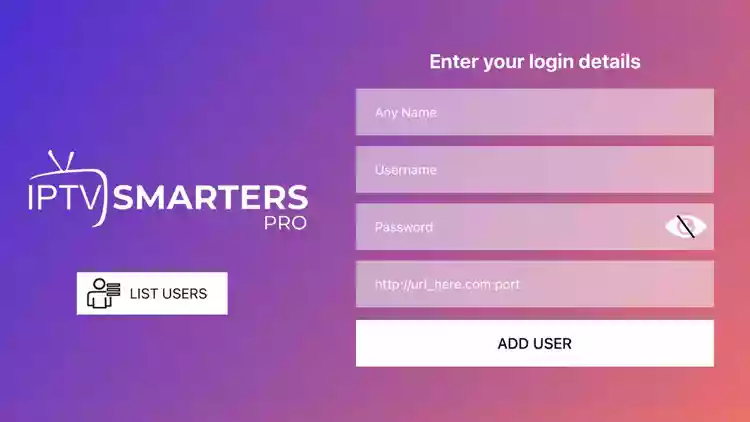
Step 3: Enter the username, password and URL that you received from us after purchasing your subscription.
Then tap “ADD USER”.
Step 4: Wait a moment while the app loads the content.
Step 5: Tap the “Live TV” icon to start.
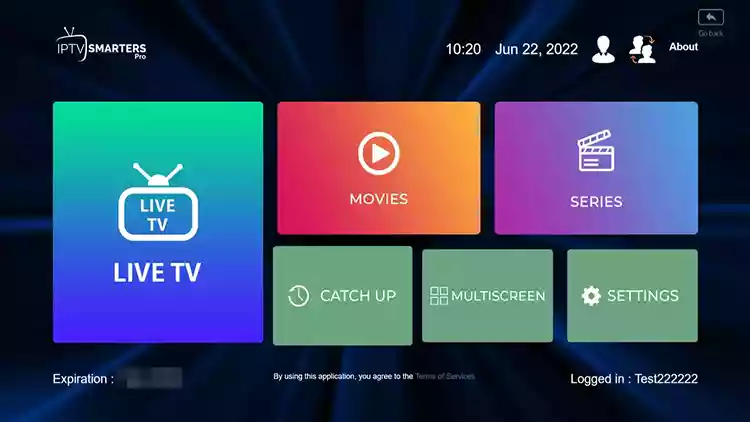
Step 6: Select the channel group you want to watch.
Step 7: Tap the desired channel, then double-click on the small screen to get full screen view.
How to Set Up IPTV on Fire TV Stick
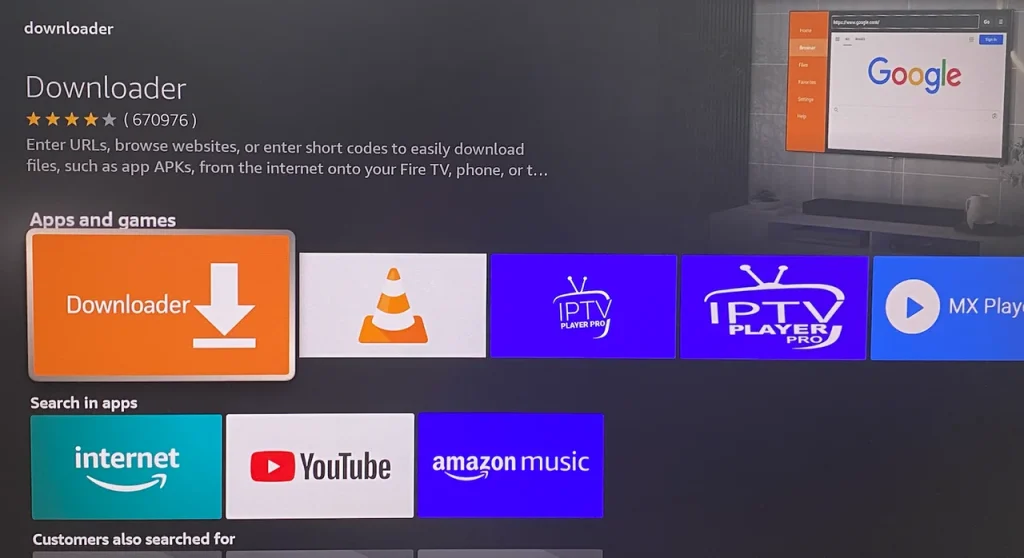
1: Hover over the Find option from your device’s home screen.
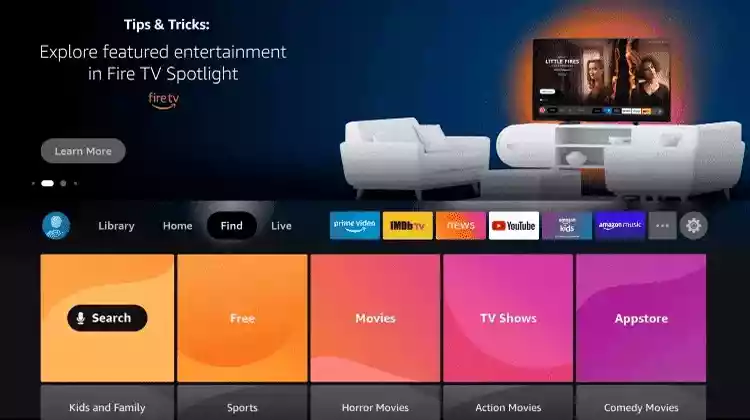
2: Click Search.
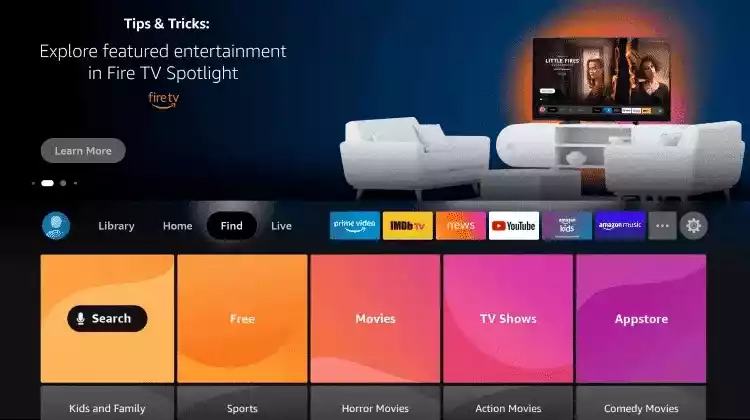
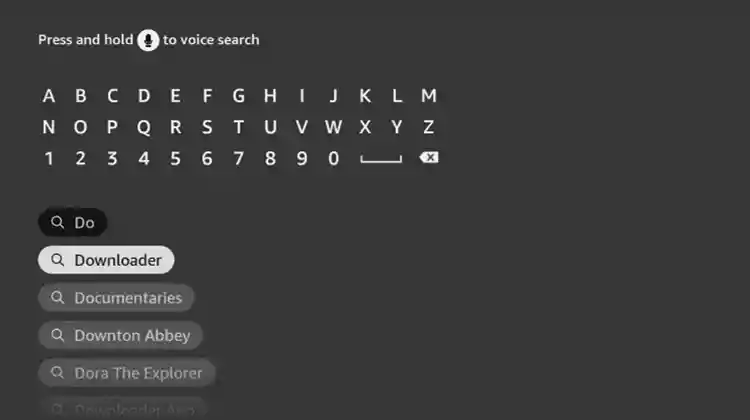
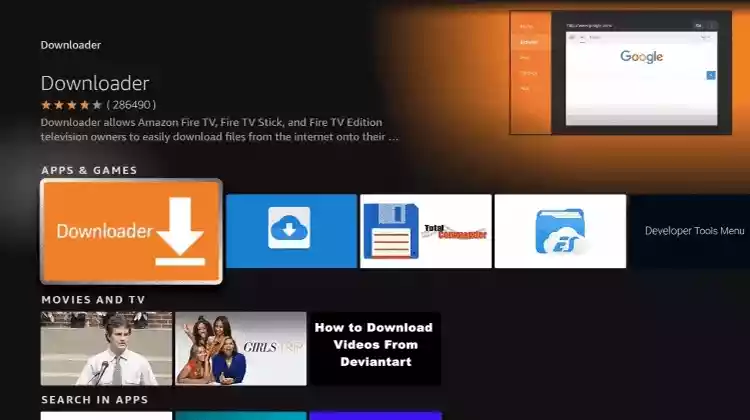
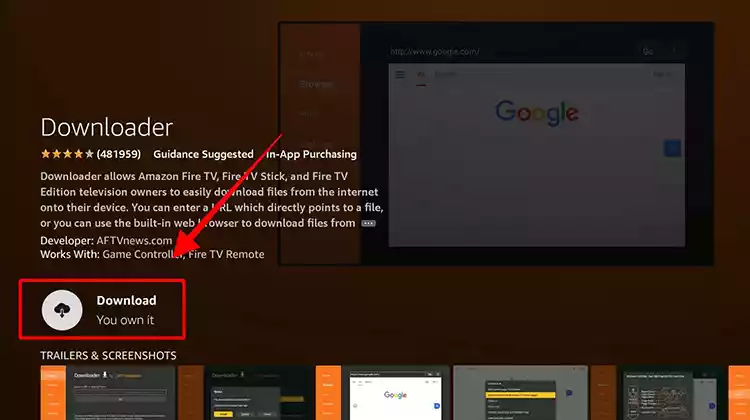
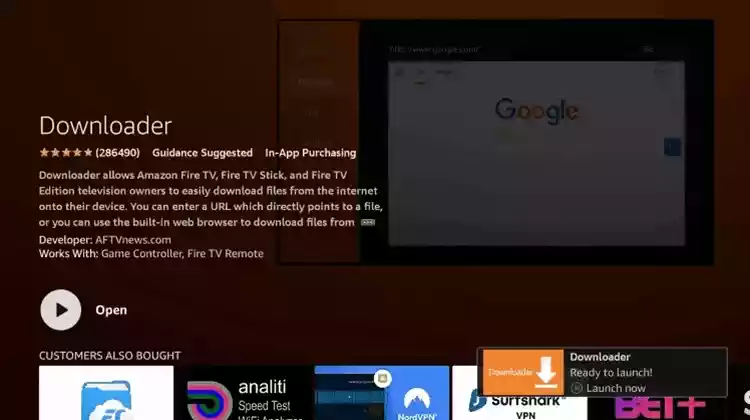
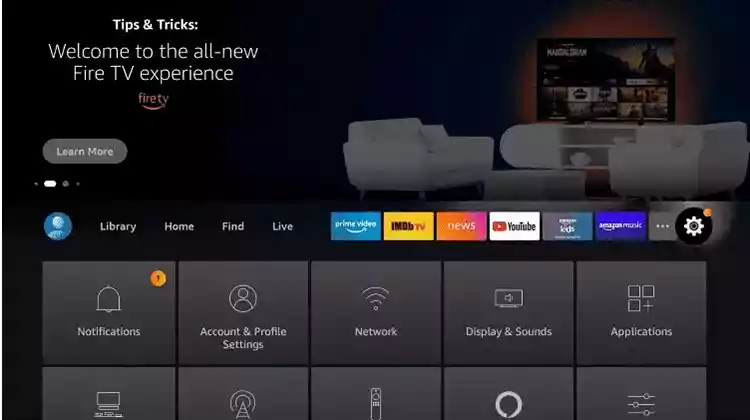
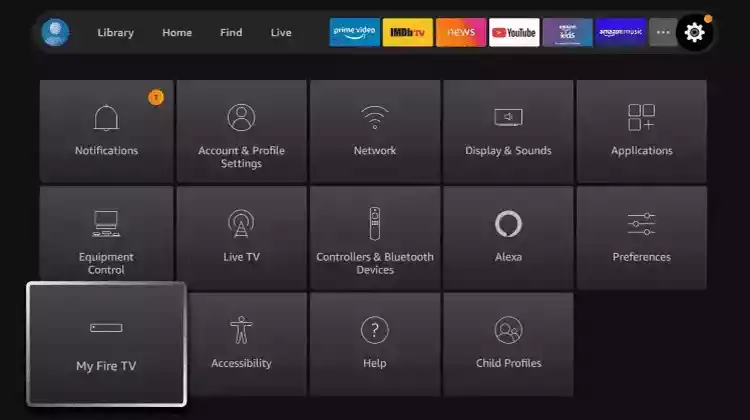
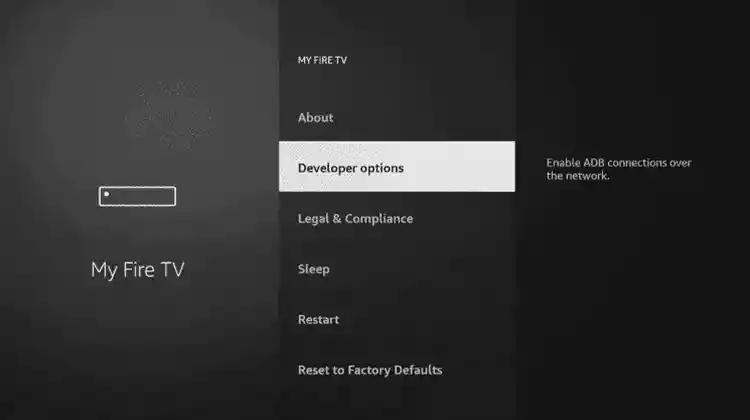
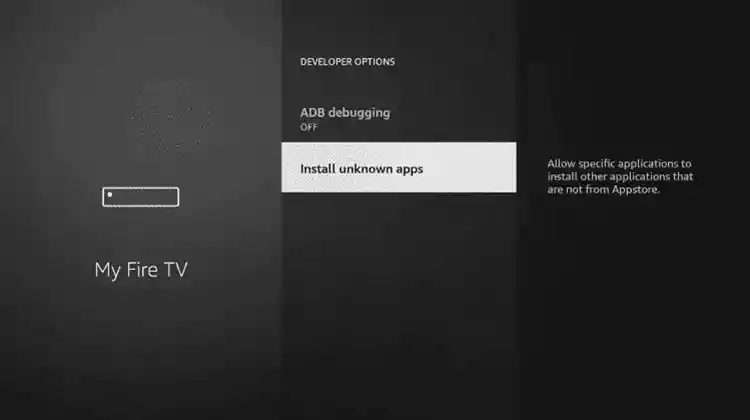
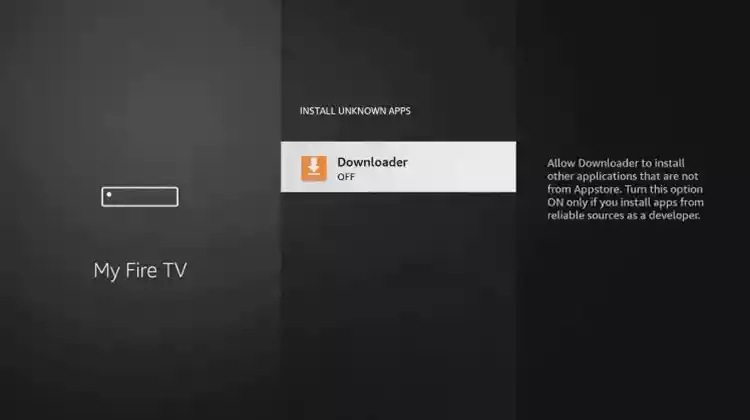
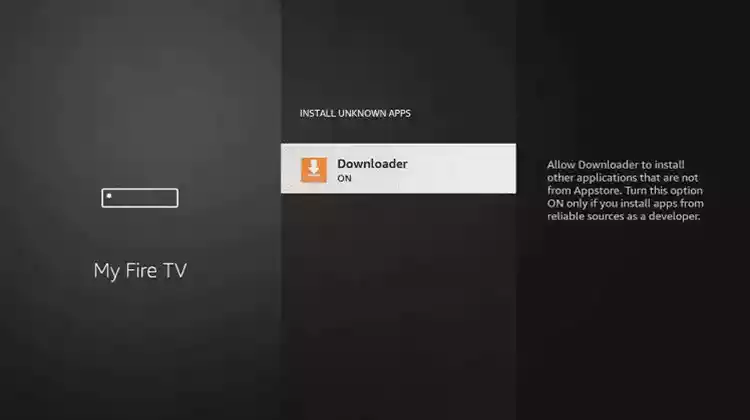
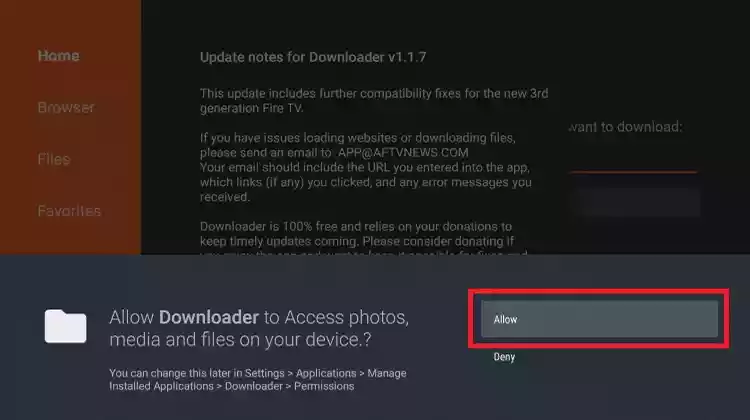
13: Start Downloader.
14: Click Allow.
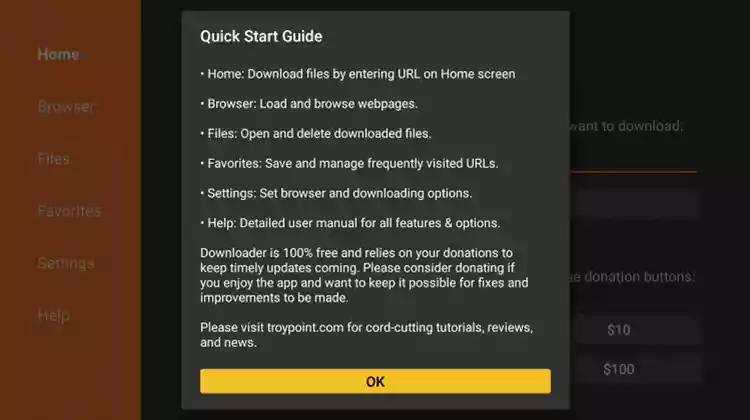
15: Click OK.
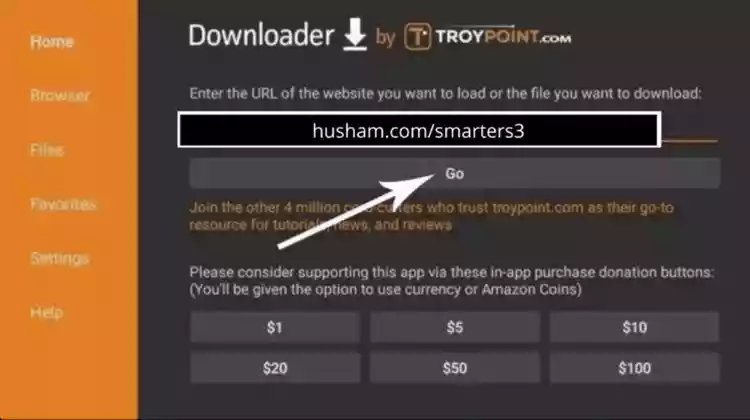
18: Click Install.
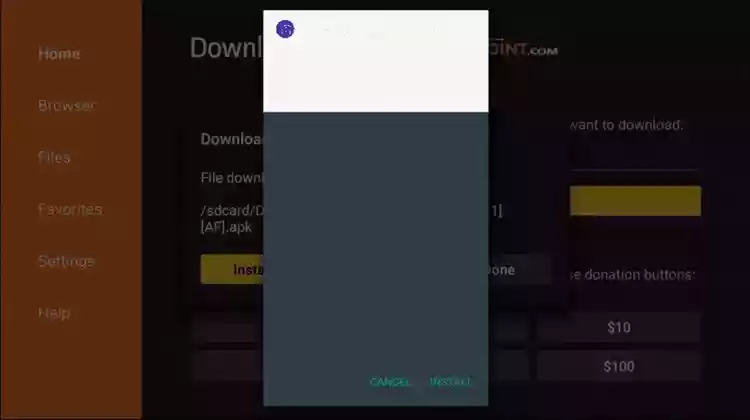
19: Click Done.
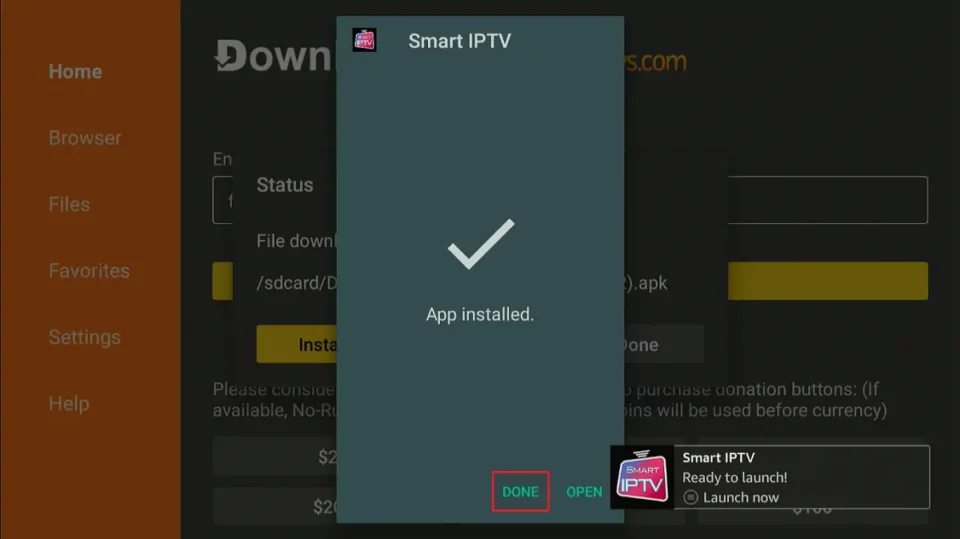
FOR TIVIMATE
1: Enter the following URL exactly as shown here: https://tivimates.com/tiviapk
and click Go.
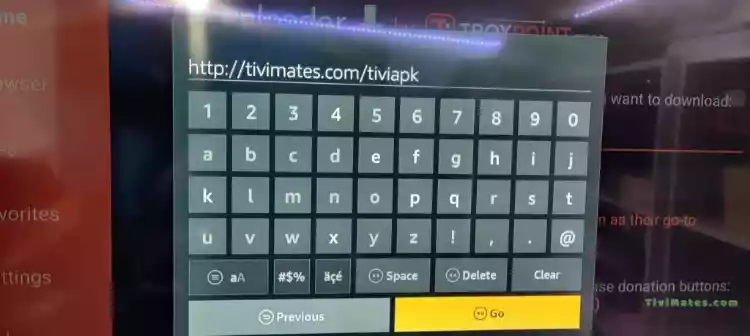
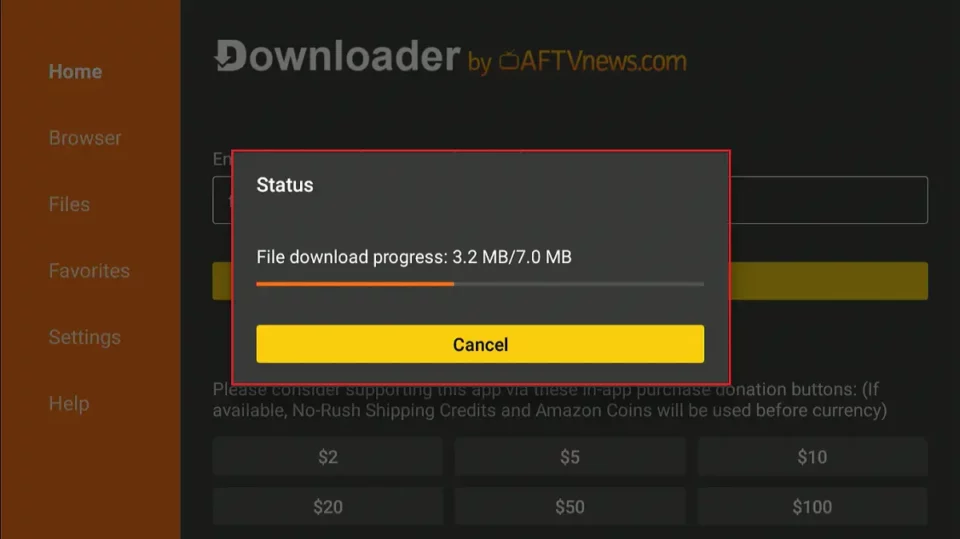
2: Wait for the file to download.
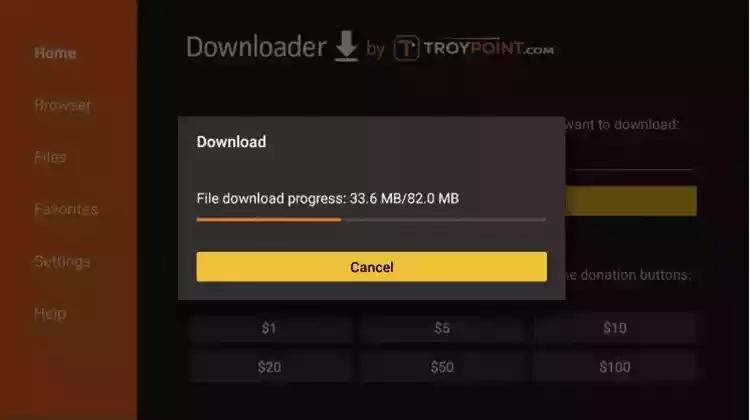
Wait for the file download to finish.
3: Click Install and when the installation is complete, you can open the app.
4: Click “Add Playlist” and then select “Xtream Codes“
5: Enter the login details that we sent you via Whatsapp or email or chat
How to Set Up IPTV on Apple/IOS with IPTV Smarters Player
Step 1: Start by downloading the IPTV Smarters app from the Apple Store via this URL :
https://apps.apple.com/in/app/smarters-player-lite/id1628995509
or you can search for it in the App Store
install the app on your iOS device.
Step 2: Once downloaded, open the app and enter your login details.
Step 3: Enter the login details that we have given you after you have subscribed with us.
Now click on “ADD USER” to proceed to the next section.
Step 4: Wait for a few seconds.
Step 5: Now click on the “Live TV” icon as shown in the image via a red arrow.
For Windows:
Download the IPTV Smarters app via this URL : https://www.iptvsmarters.com/download?download=windows
For Mac:
Download the IPTV Smarters app via this URL : https://www.iptvsmarters.com/download?download=mac
Step 1: Send us the MAC address of your MAG via WhatsApp/Email/Live Chat.
Step 2:After making the payment, we will send you the portal link.


Soft Smarter 2026© All rights reserved